Nothing to maintain
A WordPress site is an application with a database, and it needs updates for as long as it's online. An Atelier201 site is files on Cloudflare's network. Nobody has to log in on a Sunday because a plugin broke something.
As open as WordPress, with nothing to patch, update or back up. Your own AI does the work, and anyone can edit in a form.
Based on each company's public pages and docs, November 2026. A check means it does the job, a dash that it does so partly or for an extra fee, and a cross that it doesn't, or that we couldn't find it.
| What you need | Atelier201 | WordPress |
|---|---|---|
| You own the codeHand it to a developer or an agent, any day | A standard Astro project in its own Git repository | Yes, open source |
| Export the whole siteHost it anywhere, without asking | Code, content and media, on any plan, even a draft | Yes, on self-hosted WordPress |
| Complete CLIFrom an empty folder to a live site, in a terminal | Create, pull, push, preview, publish and roll back | WP-CLI, on your own server |
| MCP server and REST APIEverything the dashboard does, for agents and scripts | Included, on every plan | Plugins and third-party MCP servers |
| Your own Claude, ChatGPT or GeminiNo second AI bill | Your agent does the work. Its calls cost nothing here | Through plugins, or a developer's setup |
| Built-in AI assistantFor people without their own agent | 1,000 credits a month, 5,000 at sign-up | Depends on the plan or plugin you choose |
| CollaboratorsYour team, your clients, your freelancer | Unlimited, at no extra cost | Unlimited users on self-hosted WordPress |
| Edit without AI or codeA new price takes ten seconds | A form made from your content, or click the text on the preview | Block editor, depending on your theme |
| Review before anything goes livePeople and agents work on a draft | Nothing is live until you publish. Share a preview link first | Post drafts and previews. Plugin and theme changes reach the live site |
| Full version historyUndo anything, including an agent's work | Every change is a version. Roll back the live site in one click | Post revisions. Full backups from your host or a plugin |
| Free draft, no clockPay when the site goes live | Free for as long as you like, with preview links | Free software, then hosting from about $6 a month |
| Several languagesHreflang and sitemaps follow | Included, with no fee per language | Plugins, often paid |
| Lighthouse performance on mobileStatic Astro pages, with almost no script | 100 on the real sites we measured | 43 at the median |
| Ready for AI searchPages ChatGPT, Claude and Perplexity can read | Sitemap, llms.txt, JSON-LD and a Markdown copy of every page, by default | SEO plugins to install and configure |
| Built-in analyticsVisitors, pages, sources, AI referrals | Included, and sets no cookie | A plugin or Jetpack |
| Nothing to maintainNo server, plugin or database on the visitor's path | Static files on Cloudflare's network | Core, theme and plugin updates, backups and security are on you or your host |
| PluginsWhatever you need probably exists | Embeds, or code your agent writes | 60,000+ |
| Selling onlineA full store | Not offered yet | WooCommerce |
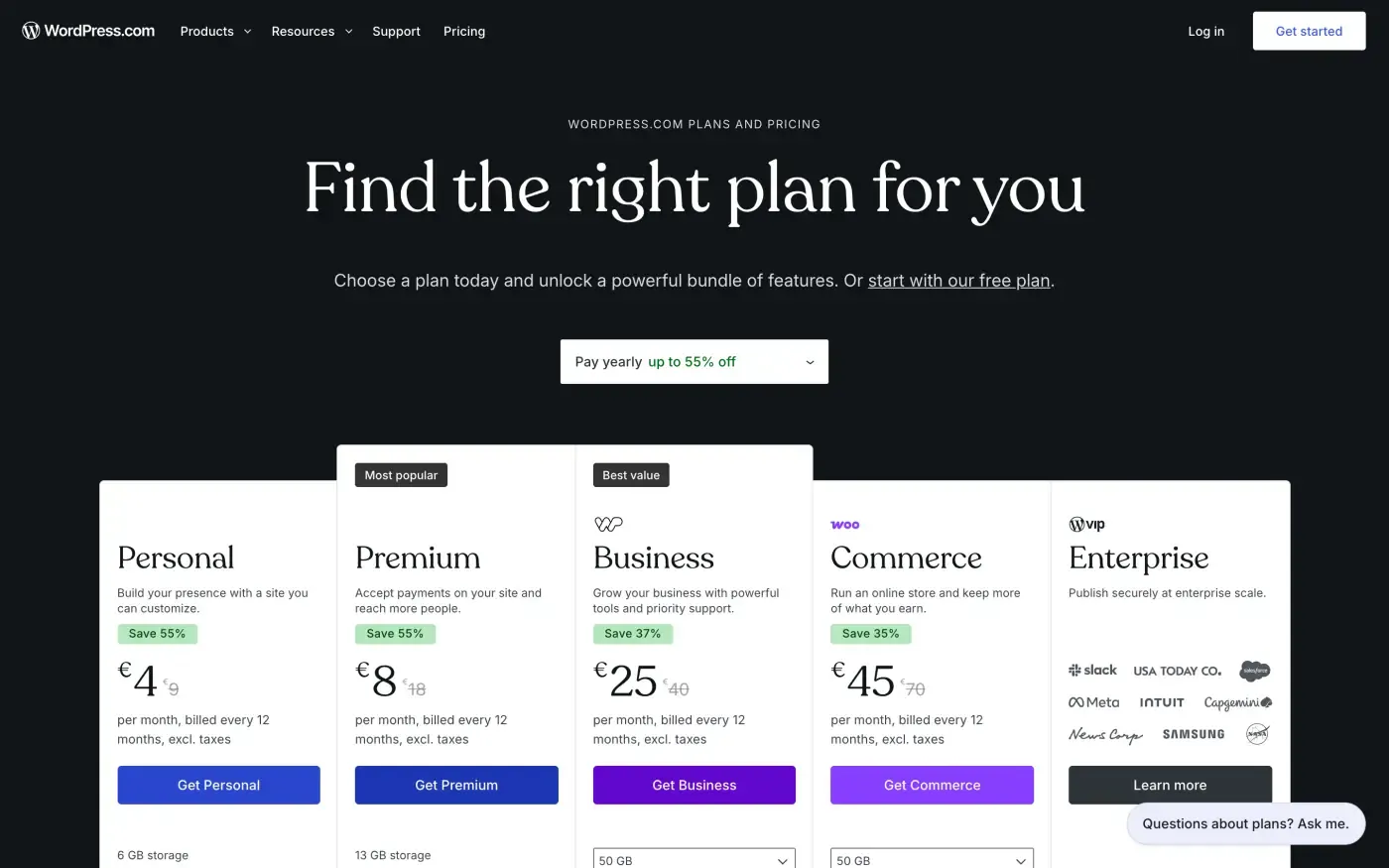
WordPress.org is free software, so the cost depends on your choices. Our range starts at hosting from about $6 a month and adds a paid theme and a few paid plugins, which guides commonly put at $50 to $300 a year. Paying someone to maintain it costs more. WordPress.com prices are annual billing.
The median WordPress site scores 43 on mobile. A good host and a light theme do better, and they take work. An Atelier201 site is static from the start: the real ones we measured score 100, with 8 KB of JavaScript.
Competitors: HTTP Archive medians, September 2026. Atelier201: three Lighthouse mobile runs on each of two real sites, November 5, 2026, with the heavier site's weight. On real visits, 48.3% of WordPress sites pass Core Web Vitals on mobile.
A WordPress site is an application with a database, and it needs updates for as long as it's online. An Atelier201 site is files on Cloudflare's network. Nobody has to log in on a Sunday because a plugin broke something.
WordPress set the standard for owning your site, and Atelier201 meets it: a normal Astro project in Git, which you can build and host anywhere, without a server of your own to run in the meantime.
People who don't build websites for a living can change a price in a form, click a text in the preview or ask an agent. The change is saved as a version, and nothing goes live until someone publishes.
Chosen by us from public reviews and Reddit. Every quote links to its source.
Incomprehensible interface. And I have a PhD
I did a similar migration for 5 marketing websites from WordPress/Elementor to Astro... One thing I really liked after migrating was how much simpler the stack became.
WP is very good and you can get a great custom website with it but I wanted something really easy to update and manage.
WordPress exports your content, so this is the easiest move on the list. An agent turns it into pages and posts, and redirects cover old addresses.


Real Core Web Vitals, page weight and JavaScript for Wix, Squarespace, WordPress, Webflow, Framer, Lovable, Jimdo and more, from HTTP Archive, 2026.